

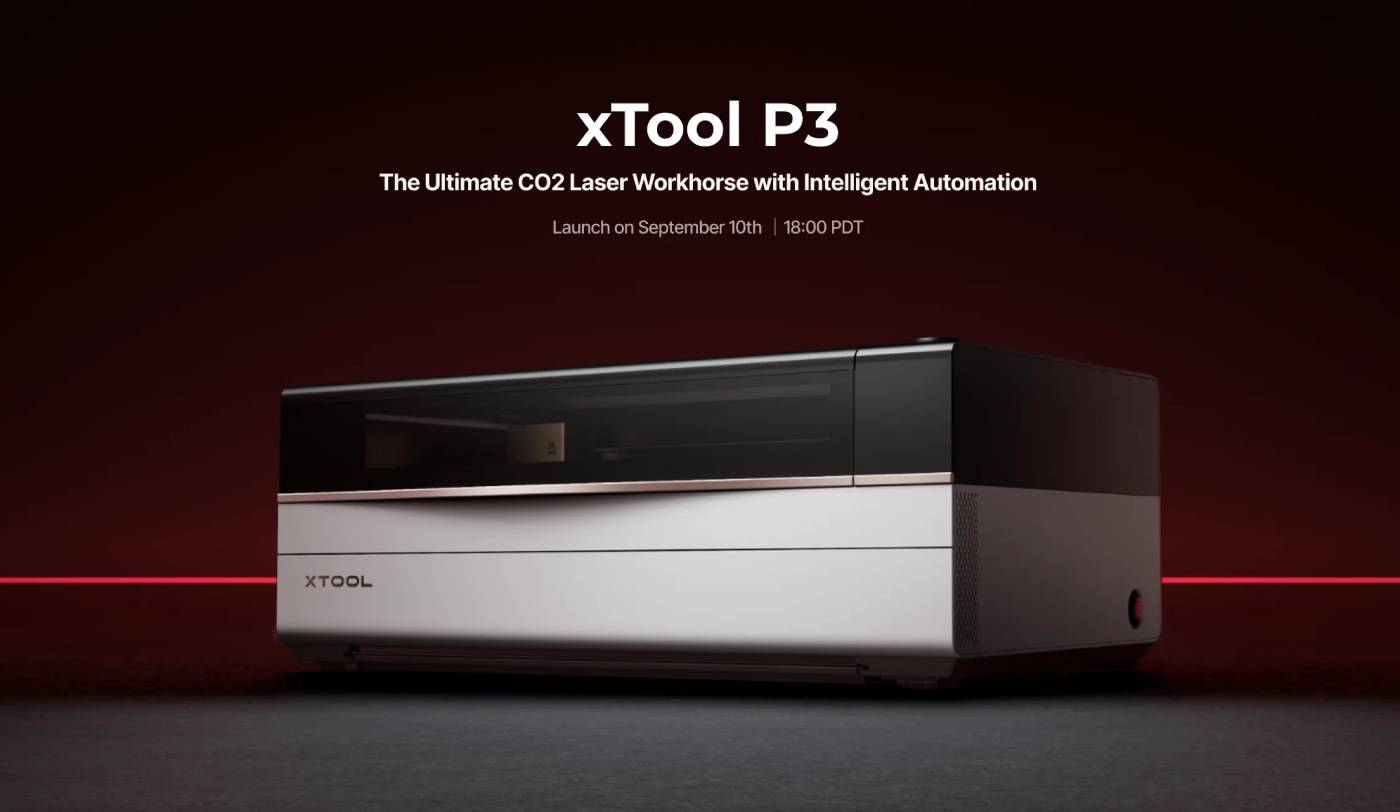
Last updated June 2026. Based on the comparison questions our sales team fields on calls every week, xTool's P-series naming convention trips people up more than almost any other product line we carry. The short version: P2 and P2S are nearly identical 55W machines with different airflow and acceleration, while the P3 is a genuinely different, higher-tier 80W machine — not just an incremental upgrade.
We stock the xTool P2 and xTool P2S directly. xTool hasn't brought the P3 to our catalog yet, so for that machine we link straight to xTool.


The P3's 80W tube and 1200mm/s engraving speed put it in a different performance class than the P2/P2S pair — roughly double the engraving speed and 45% more power. The P2S matches the P2 on raw wattage (both 55W) but pulls ahead on acceleration, which translates to noticeably smoother, faster real-world job completion even at the same top speed (600mm/s).

The P3's AutoLift Base auto-adjusts focus height for materials of varying thickness — no manual riser base required, which both the P2 and P2S still need for taller objects. The P3's RA3 rotary attachment uses LiDAR mapping for curved-object engraving and supports batch rotary jobs; the P2 and P2S share the RA2 Pro rotary, which is reliable but fully manual.


The P3 is Class 1 — fully enclosed, no special PPE required for normal operation. The P2 and P2S are both Class 4, which means laser safety glasses and a controlled operating environment are required. If you're buying for a classroom or shared studio, this single spec may decide the purchase regardless of budget.
Bed size scales with the safety tier: the P3's 36" x 18" working area is more than twice the P2/P2S's 23.6" x 12.1".
| Specification | xTool P2 | xTool P2S | xTool P3 |
|---|---|---|---|
| Laser power | 55W CO2 | 55W CO2 | 80W CO2 |
| Engraving speed | 600mm/s | 600mm/s (faster accel.) | 1200mm/s |
| Working area | 23.6" x 12.1" | 23.6" x 12.1" | 36" x 18" |
| Focus system | Manual riser base | Manual riser base | AutoLift motorized |
| Safety class | Class 4 | Class 4 | Class 1 (enclosed) |
| Cooling | External chiller | External chiller | Built-in chiller |
| Available at | The Maker's Chest | The Maker's Chest | xTool direct |

Yes — the P2S's stronger exhaust and faster acceleration produce cleaner cuts with less charring at a similar price point.
The price gap reflects the P3's Class 1 enclosure, auto-focus system, built-in chiller, and more than double the bed size — not just wattage.
No — the P3 is Class 1 and fully enclosed. The P2 and P2S are both Class 4 and do require them.
Yes, all three handle the same core material range — wood, acrylic, leather, and glass engraving. The difference is throughput and finish quality on thicker materials, not material compatibility.
Not sure which xTool machine fits your workspace or production volume? Contact our team — we help buyers through this decision regularly.

Shipping Insurance ($89)
placeholder

Leave a comment